TL;DR: A BambooHR and ADP setup works on day one and gets more fragile every year. The BambooHR ADP integration only syncs the fields both systems share, so tax fields, location changes, and contractor records still need manual work. Teams usually end up paying for a third-party connector, building spreadsheet band-aids, and double-checking every change. The fix is not a better connector. It is putting HR and payroll in one system, so there is nothing to sync.
Why so many teams run BambooHR and ADP together
The BambooHR ADP integration is one of the most common HR stacks in the mid-market, and on the surface, the logic makes sense.
BambooHR has a friendly interface that employees actually like using. ADP has a reputation as a robust payroll engine. So teams make a deliberate choice: let ADP run payroll in the background, keep employees in BambooHR, and connect the two. BambooHR also tends to connect more easily to other tools, like performance management and compensation platforms, so it becomes the system that feeds everything else.
On paper, you get the best of both worlds. In practice, you end up with two systems of record, and the gap between them becomes someone's part-time job.
The core problem: two systems, two versions of the truth
When HR data lives in one system and payroll data lives in another, every employee has two records. The integration is supposed to keep them identical. It almost never does, for one simple reason: the two systems weren't designed around the same data model.
Here is how that shows up in day-to-day work.
An employee moves states, and five fields change by hand
Take a common event. An employee moves from San Francisco to New York.
In a well-connected system, one change should cascade. In a split stack, a People Ops team member has to:
- Approve the address change in the HRIS.
- Manually update the office location field.
- Manually update any custom location fields, such as a metro area used for compensation bands.
- Draft a letter if compensation changes.
- Remind the employee to update their tax withholdings, and flag that their benefits may change.
- Open the payroll system and confirm which fields actually synced.
The integration pushes some fields across and skips others, so every move ends with a double-check in ADP. You cannot fully rely on the integration to confirm the setup is correct.
The sync only knows how to match fields
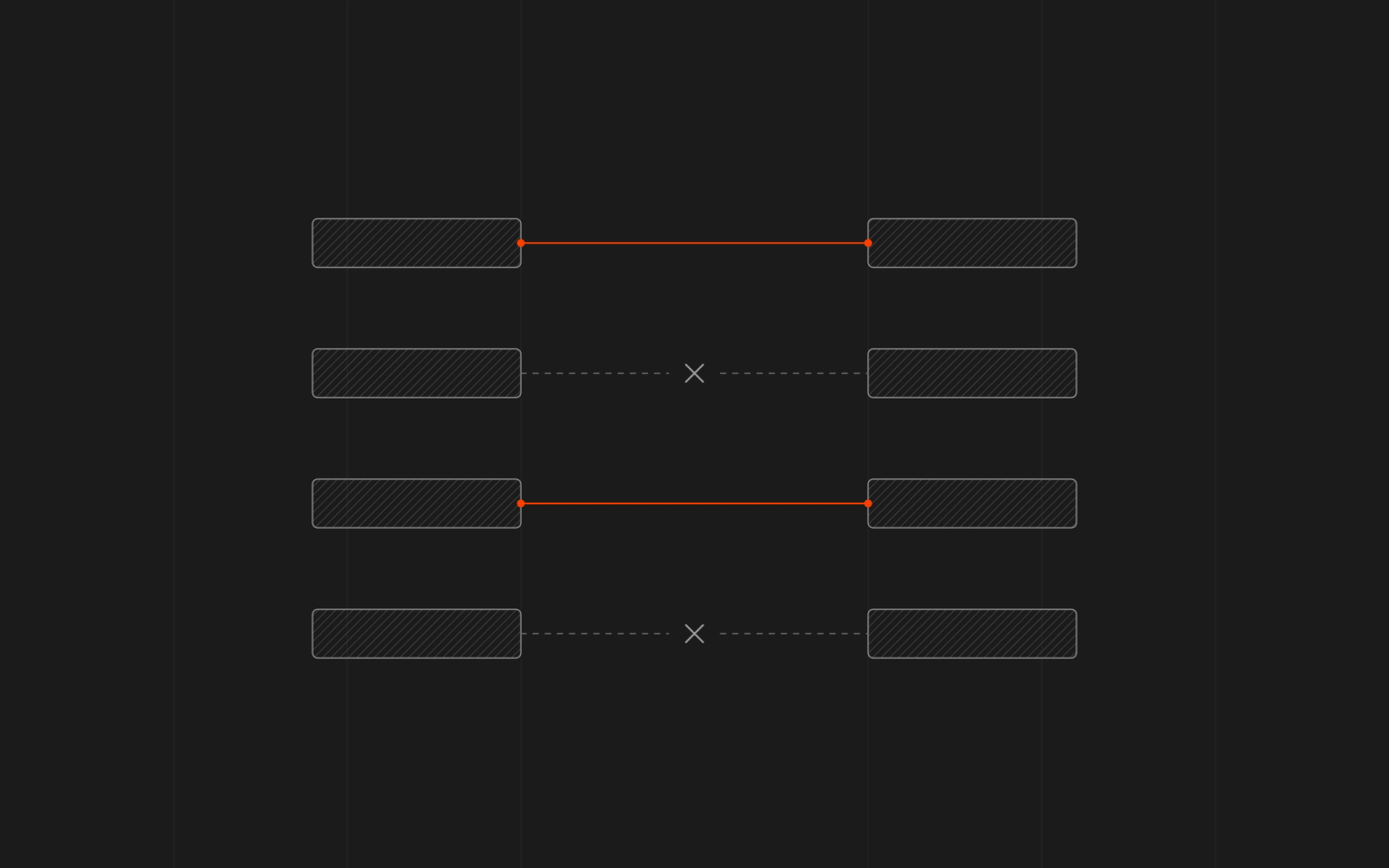
Most connectors do one thing: map a field in system A to a field in system B. That works for name, address, and job title. It breaks down for anything that exists in only one system.
State unemployment insurance (SUI) is the classic example. If the HRIS has no SUI field, there is nothing to push. The payroll system creates the profile, but someone still has to open it and finish the tax setup by hand. The same applies to any field that payroll requires and the HRIS never asked for.
This matters more than it sounds. A missing or wrong state tax setting is not a cosmetic error. It can mean incorrect withholding, missed registration, or a notice from a state agency months later.
You pay for the glue
Because the native sync is limited, many teams add a third-party workflow or integration tool to bridge the gap.
The cost shows up in three places: the subscription, the setup time, and the ongoing maintenance whenever either vendor changes something. But if the HRIS were the payroll system, you wouldn’t need the connector, and you’d get one invoice instead of three.
What the integration cannot fix
It helps to separate problems that a better connector could solve from problems it never will.
| Problem | Fixable with a better connector? |
|---|---|
| A field fails to sync once in a while | Sometimes |
| A field exists in payroll but not in the HRIS | No |
| Downstream workflows (letters, tax reminders, benefits changes) triggered by a location change | No, unless you build them separately |
| Two logins, two permission models, two audit trails | No |
If most of your pain sits in the bottom three rows, you do not have an integration problem. You have an architecture problem.
What "single source of truth" actually means
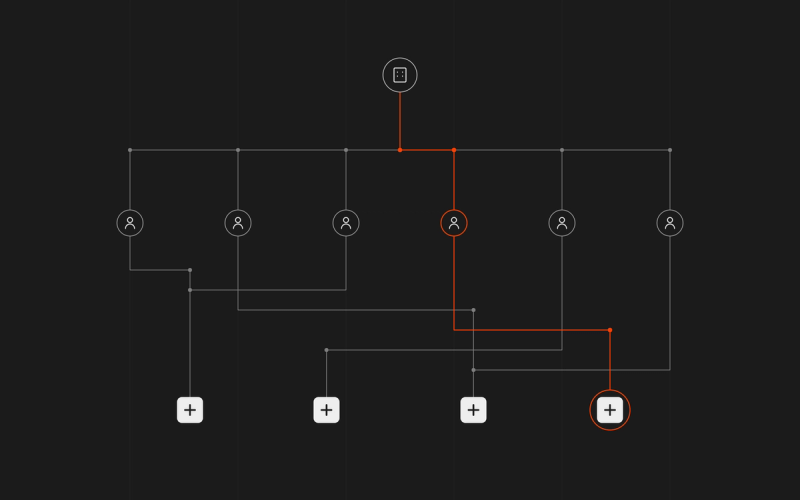
"Single source of truth" has become a buzzword, so here is a working definition: one employee record that HR, payroll, tax, and benefits all read from and write to. When a field changes, it changes once, and everything downstream reacts to it.
In practice, that means:
- A location change updates everything at once. Office location, state tax setup, withholding prompts, and benefits eligibility all follow the same trigger.
- State tax setup is part of the employee record. Registrations, SUI, and filings aren't a separate task someone has to remember to do.
- Contractors live in the same system as employees. IT, finance, and People Ops can see who a person is tied to and when access should end.
- One audit trail. When someone asks who changed a field and when, there is one answer.
The same applies to choosing an HRIS built directly into payroll instead of connecting two platforms.
How AI changes the equation
This gap has persisted because cascading changes were hard to automate across vendors. AI-native platforms handle it differently.
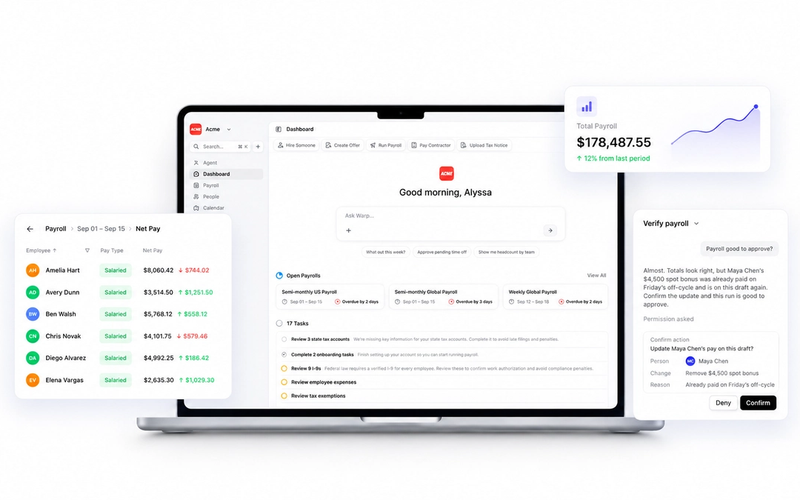
Warp is the only AI-native HR & Payroll platform built for ambitious companies. Instead of clicking through clunky dashboards or .gov websites for taxes, Warp's AI agents automatically open every state tax account, file every payroll form, and resolve every tax notice.
For the move-from-California-to-New-York example, that means the record updates once and the downstream work, including state tax setup, follows from it. Teams can also ask in plain language, for example, to remind them on Monday morning to approve all pending time off, and the agent handles it. If you are mapping what a modern stack should do, the difference between "AI added on top of decades-old code" and "AI built into the core" is the place to start.
A short checklist for evaluating an alternative
Whether you are comparing ADP alternatives or looking at BambooHR alternatives with payroll built in, use the same questions.
- Is payroll native or connected? If the vendor sells HR and payroll as separate products joined by an integration, you are buying the same problem again.
- What happens when an employee moves states?
- Who handles state registrations, filings, and notices? Find out whether the software gives you forms to file, or whether a team and agents file for you.
- Where do contractors live? Confirm you can track US and international contractors in the same system. Warp's global contractor payroll is one example.
- How does it connect to the tools you keep? If you rely on separate performance or compensation tools, check the integration list.
- Who do you talk to? Look for an account manager and benefits advisor, not a ticket queue.
- How does multi-state tax work? If you operate in many states, check how registrations are opened and monitored. See Warp's guide to state payroll taxes.
Frequently Asked Questions
Does BambooHR handle payroll?
BambooHR offers a payroll product, but many companies pair it with a dedicated payroll provider such as ADP and connect the two. When the two systems are separate, you need an integration to keep employee data aligned.
Does the BambooHR ADP integration sync everything automatically?
It syncs the fields the two systems share, usually through a marketplace connector or a third-party workflow tool. Fields that exist in only one system, such as certain state tax settings, often still need to be completed by hand in ADP.
Why does my BambooHR to ADP sync keep failing?
Most failures come from field mismatches: a field exists in one system but not the other, formats differ, or a change in one system does not trigger the matching update in the other. Reviewing your field mapping helps, but it cannot add fields the systems do not have.
What is a single source of truth in HR and payroll?
It is one employee record that HR, payroll, tax, and benefits all use. Make a change once and have it flow everywhere, so nothing needs to be reconciled between systems.